

Data Protection Awareness: Simple Campaign Ideas That Stick

Most staff do not ignore privacy because they do not care, they ignore it because it feels abstract, “legal”, and disconnected from the work they have to get done today. A strong data protection awareness campaign fixes that by turning privacy into small, memorable habits that fit real workflows.
This guide shares simple, low-lift campaign ideas you can run inside Jamaican organisations, plus a 30-day starter plan and practical ways to measure whether your message is actually sticking.
What “data protection awareness” should change (not just what people should know)
Awareness is not a poster. It is behaviour. The most effective campaigns focus on a few repeatable actions that reduce everyday risk, such as:
Collecting only what you need (data minimisation)
Sharing information safely (right person, right channel, right amount)
Storing and disposing of records properly
Recognising personal data quickly (so it gets handled carefully)
Reporting incidents early (before a small mistake becomes a major issue)
In Jamaica, “personal data” often shows up in very normal business moments, like a TRN on an application form, a customer list sent to a vendor, HR files emailed for payroll processing, or a photo ID used to open an account. Campaigns stick when they speak to those exact moments.
If you need a refresher on the legal fundamentals, PLMC has practical explainers you can share internally, for example: Jamaica Data Protection Act Explained for Businesses and Data Privacy in Jamaica: Key Principles and Rights.
Six “sticky” rules for awareness campaigns that work
1) Pick one behaviour per week
“Protect data” is too broad. “Lock your screen when you step away” is measurable and doable.
2) Use the channels people already use
If your teams live in email, Teams, WhatsApp groups, shift handover meetings, or a morning huddle, place the message there (not only in a policy folder).
3) Make it role-based
Front desk, HR, sales, IT, finance, and operations each see different data and make different “small mistakes”. Tailor examples accordingly.
4) Repeat, then repeat again
People remember what they see often, not what they see once. Short reminders beat one long training.
5) Make leaders visible
A 45-second voice note from a CEO or department head, plus follow-through, can outperform a beautifully designed slide deck.
6) Measure something simple
If you cannot measure it, you will struggle to improve it. Even “screens locked during walk-throughs” is a useful starting metric.
Simple campaign ideas that stick (with a clear goal and an easy metric)
Below are campaign ideas you can run without a big budget. They are designed to reinforce everyday privacy habits aligned with the Data Protection Act’s accountability expectations.
Campaign idea | What it reinforces | Best for | Easy metric to track |
The “Privacy Minute” | Small weekly habit change | All staff | Views, attendance, 1-question pulse check |
Clean Desk and Clear Screen day | Physical and on-screen confidentiality | Office-based teams | Walk-through pass rate |
“Before you send” email prompt | Safe sharing, minimising wrong recipient risk | Anyone using email daily | Reduction in misdirected email incidents |
Data minimisation challenge | Collect less, store less | Forms-heavy teams | Fields removed, documents shortened |
Privacy champions network | Peer reinforcement | Medium to large organisations | Champion participation and issues raised |
Rights request tabletop exercise | Responding calmly and correctly | HR, customer service, compliance | Time to route request correctly |
Secure disposal drive | Proper retention and destruction | Records-heavy teams | Bags/boxes collected, storage reduced |
Vendor spotlight month | Third-party risk awareness | Procurement, business units | Number of vendors reviewed, issues logged |
“Redaction Friday” | Safer sharing of documents | HR, legal, finance | Samples passing redaction check |
Incident reporting drill | Early reporting culture | All staff | Time to report, reporting rate |
The “Privacy Minute” (weekly, 5 minutes max)
A short, recurring message builds familiarity and reduces the “privacy is scary” barrier.
How to run it:
Share one scenario relevant to your workplace (example: “A customer emails a passport photo, what do you do next?”).
Give one rule and one tool tip (example: “Save to the approved folder, do not forward to a personal email.”).
End with one question staff can answer in the chat or on a quick form.
What makes it stick: Consistency and low effort.
Clean Desk and Clear Screen day (monthly)
This is simple, visible, and highly effective for creating a culture of care.
What to include:
Screen lock reminder (auto-lock settings and manual lock habit)
No customer lists left on printers
Files away, whiteboards checked, visitor areas cleared
Metric idea: Do a quick walk-through and track a pass rate by department.
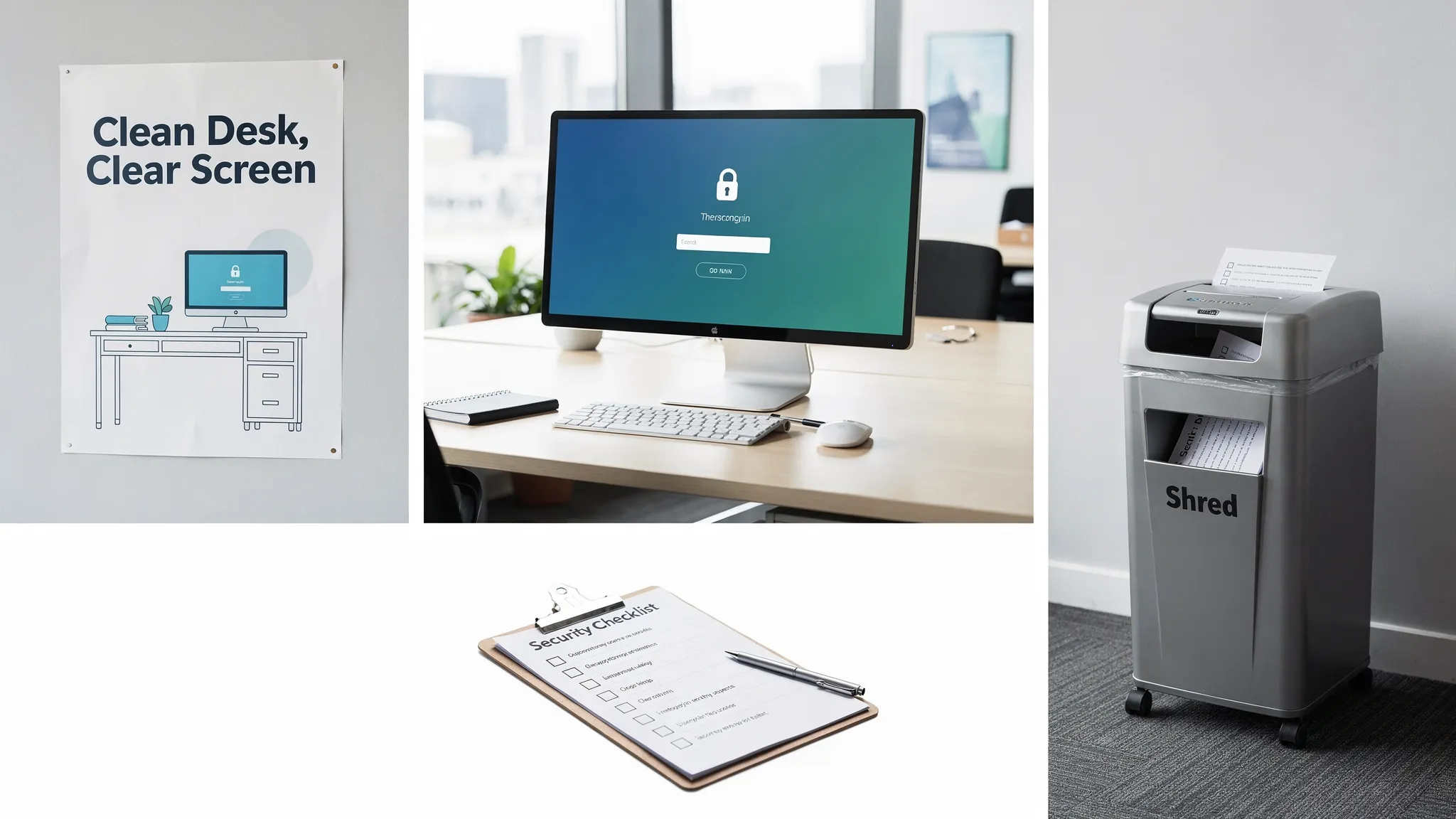
The “Before you send” prompt (email or chat)
A large percentage of incidents come from everyday human mistakes, not movie-style hacking. Verizon’s Data Breach Investigations Report consistently highlights the “human element” as a major contributor to breaches.
A practical approach:
Add a short footer or banner to internal emails for one month: “Pause. Check recipient. Share minimum. Use approved channel.”
Pair it with a 10-second checklist in your intranet.
Metric idea: Track misdirected emails and “recall” events before and after.
The data minimisation challenge (2 weeks)
Choose one process that collects too much information and improve it.
Examples:
Remove unnecessary fields from a customer form
Replace “send me your ID” with “send last 4 digits of X” (only where appropriate for the purpose)
Stop requesting documents you do not actually use
Metric idea: Count fields removed, documents eliminated, or storage volume reduced.
Create a “privacy champions” network
Pick one volunteer or nominated person per department to act as the first point of contact for questions, and a voice for practical feedback.
Keep it lightweight:
One 30-minute meeting per month
Champions collect “what is confusing” and “what keeps going wrong”
You respond with fixes, templates, and mini-training
Metric idea: Track questions raised and process fixes implemented.
Run a rights request tabletop (45 minutes)
Many organisations only realise they are unprepared for data subject requests when one arrives.
Run a simple drill:
Someone plays “customer” or “employee” requesting access, correction, or deletion
Staff practise routing it to the right owner and logging it
Agree on the “do not do this” list (example: do not share data by WhatsApp, do not delay without acknowledgement)
Metric idea: Time to route the request correctly, and number of handoffs.
Secure disposal drive (one afternoon)
If your organisation has old records, boxes in storerooms, or “just in case” printouts, this is a quick win.
What to do:
Announce a “Shred and Secure Disposal” window
Provide a secure bin or controlled collection point
Remind staff not to discard personal data in open bins
Metric idea: Amount collected, storage space freed, number of departments participating.
Vendor spotlight month (simple third-party awareness)
Third-party sharing is where many organisations leak data quietly.
Run it as education, not blame:
Highlight one vendor relationship each week (what data is shared, why, and who approved it)
Re-share the approved way to onboard vendors and review contracts
Metric idea: Number of vendor relationships documented or reviewed.
“Redaction Friday” (small habit, big payoff)
Many teams think they are redacting, but they are only drawing black boxes that can be removed.
How to run it:
Share a “good vs bad redaction” example
Provide the approved redaction method for your common tools
Ask each team to submit one sample document (sanitised) for a quick check
Metric idea: Pass rate on redaction checks.
Two-click incident reporting drill
If staff do not know how to report an issue, they will delay, hide it, or “try to fix it quietly”. A culture of early reporting protects the organisation.
A simple campaign:
Re-share the reporting channel (email alias, form, hotline, ticketing, whatever you use)
Run a drill with a harmless scenario (example: “You sent a file to the wrong recipient internally, what do you do in the next 10 minutes?”)
Metric idea: Time from discovery to report.
A ready-to-run 30-day data protection awareness plan
Use this as a starter calendar you can adapt.
Week | Theme | What you do | What you measure |
Week 1 | Personal data in our workplace | Privacy Minute + quick quiz | Quiz participation, common misconceptions |
Week 2 | Safe sharing | “Before you send” prompt + micro-scenarios | Mis-send incidents, feedback |
Week 3 | Secure work habits | Clean Desk and Clear Screen walk-through | Pass rate, repeat issues |
Week 4 | Retention and disposal | Secure disposal drive + retention reminder | Records removed, departments involved |
If you want to align this to a broader 2026 compliance programme, you can pair it with PLMC’s implementation-focused guidance: Data Protection Jamaica: Compliance Roadmap for 2026.
How to tell if your campaign is working (without overcomplicating it)
Aim for a small set of metrics that show behaviour change.
Good starter metrics:
Reduction in repeat incidents (misdirected emails, files shared improperly)
Increase in early reporting (more reports can be a good sign at first)
Walk-through results (clean desk, screen lock compliance)
Process improvements completed (fields removed, templates updated)
If you need an operational baseline, a structured checklist can help you identify where awareness needs to focus: Privacy and Data Protection: A Practical Checklist.
Common mistakes that make awareness campaigns fade
Turning it into a one-off event
Annual training alone is rarely enough. People forget, teams change, and processes drift.
Using generic examples
Staff ignore messages that do not match their daily reality. Use your common documents, your forms, your systems, and your typical mistakes.
Focusing only on fear
Breach headlines get attention, but habits change faster when you show staff exactly what to do next.
Blaming employees instead of fixing processes
If staff keep making the same “mistake”, the workflow may be the problem. Campaigns should reveal friction and drive fixes.
Frequently Asked Questions
What is the goal of data protection awareness training? The goal is to change daily behaviour around handling personal data, so staff collect, use, share, store, and dispose of information safely and consistently.
How often should we run data protection awareness campaigns? Small, frequent reminders work best, for example weekly micro-messages and a larger themed activity monthly or quarterly.
What are easy topics to start with in Jamaica? Start with safe sharing (email and messaging), clean desk and screen locking, secure disposal, and recognising common identifiers like TRN and ID documents.
How do we measure awareness without expensive tools? Track simple signals like walk-through pass rates, the number and speed of incident reports, repeat errors, and participation in short quizzes.
Should we customise campaigns by department? Yes. HR, finance, customer service, IT, and operations face different risks. Role-based examples make campaigns more believable and more effective.
Build a campaign that fits your organisation (and supports compliance)
If you want your data protection awareness programme to do more than “tick the training box”, PLMC can help you design messages that fit your workflows, deliver training sessions, and connect awareness to a practical compliance programme under Jamaica’s Data Protection Act.
Explore PLMC’s resources and support at Privacy & Legal Management Consultants Ltd., or use the free consultation option to discuss a simple campaign plan you can run this quarter.