

Data Protection Resources: Templates, Checklists, and Guides
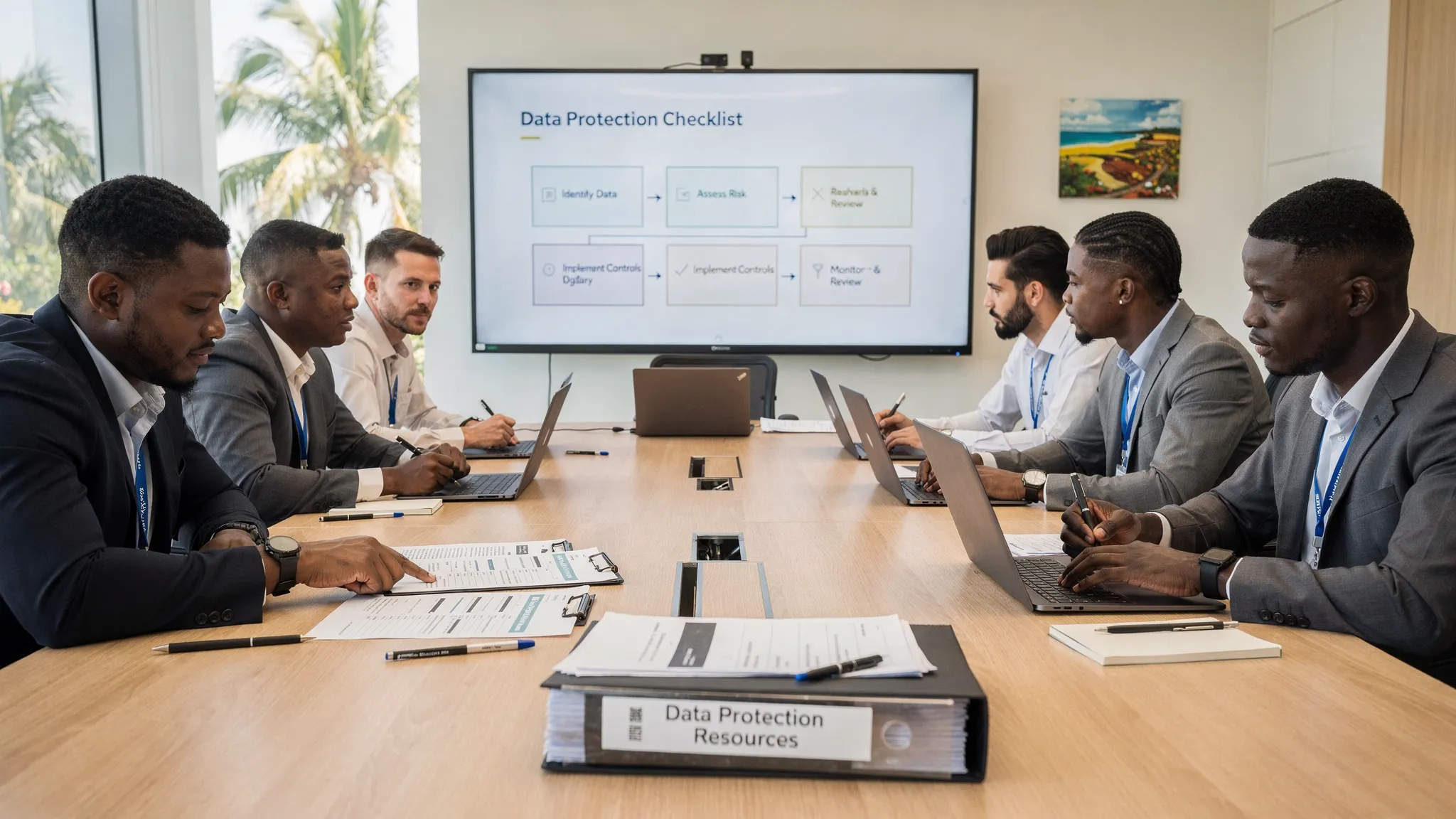
If you are responsible for compliance, IT, HR, risk, or operations in Jamaica, you have probably noticed a pattern: the hardest part of data protection is not understanding the idea, it is turning it into repeatable, documented processes.
That is where well-built data protection resources matter. Templates help you document decisions consistently, checklists help you avoid gaps, and guides help you apply Jamaica’s Data Protection Act requirements in day-to-day work without reinventing the wheel.
This article gives you practical, copy-and-adapt resources you can start using right away, plus guidance on when to use each one and what “good evidence” looks like.
Note: This content is educational and general. Adapt it to your organisation and get legal advice where needed, especially for high-risk processing, cross-border transfers, and incident response.
How to use templates and checklists (so they actually help)
A common mistake is downloading a template, filling it once, and filing it away. Regulators and auditors typically look for evidence of an operating system, not a document collection.
Use this approach instead:
Assign ownership (a role, not a person’s name), for example “HR Manager” owns HR privacy notices and rights requests for employee files.
Define triggers for using the template, for example “Complete a DPIA before launching a new app that collects customer ID data.”
Set review dates (at least annually, and whenever the processing changes).
Centralise storage in one controlled location with versioning.
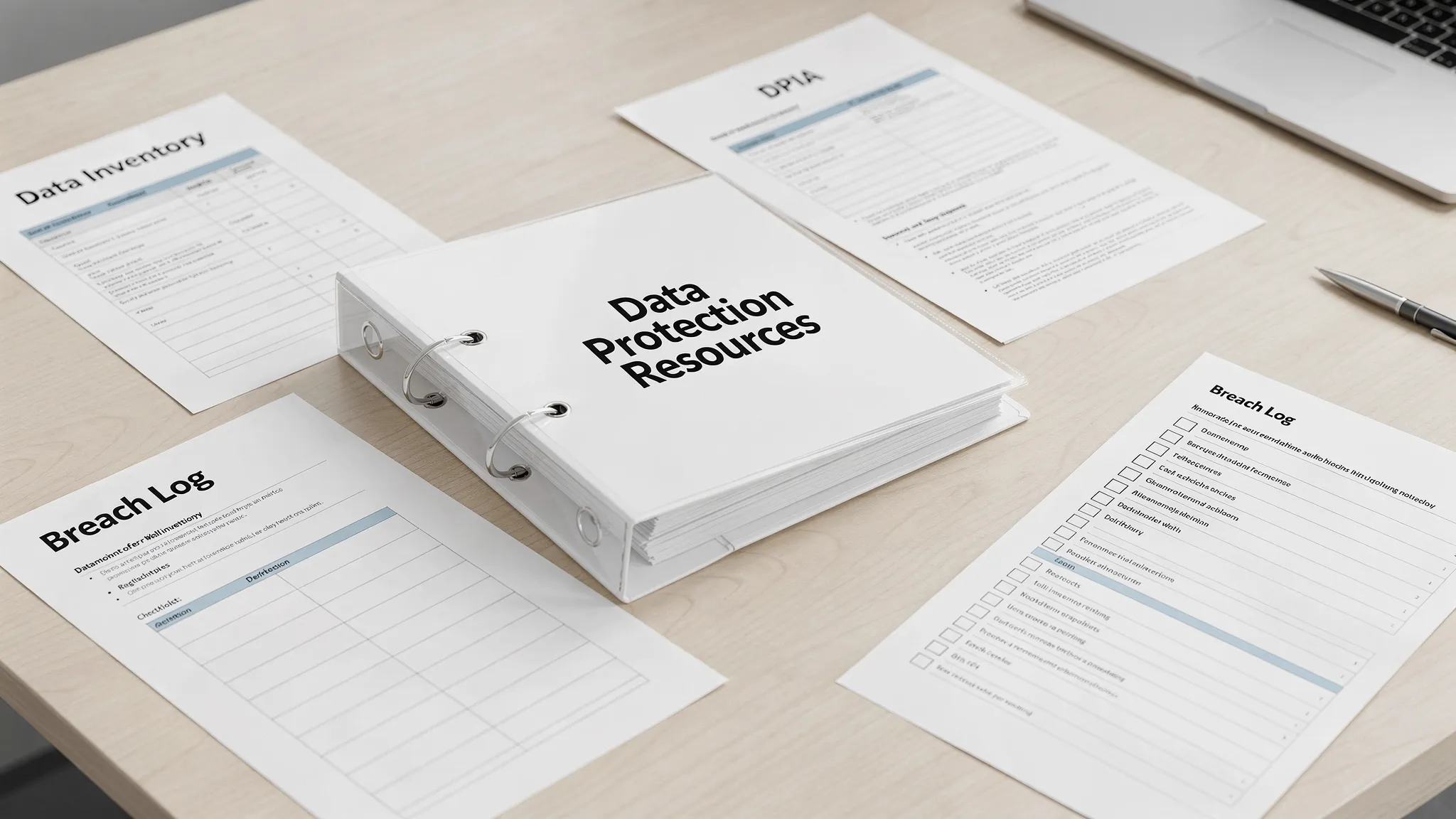
Quick index: what to use and when
Use the table below as a mini “resource map” for your privacy programme.
Resource | Best time to use it | Primary owner | Evidence you should keep |
Data Inventory (ROPA-style) Template | When mapping personal data across systems and teams | DPO/Privacy Lead, IT, Department Heads | Completed register, data flow notes, system list, last review date |
Privacy Notice Template (Customer/Employee) | Before collecting personal data, and when practices change | Legal/Privacy, HR, Marketing | Published notice, change log, approved wording |
Lawful Basis and Purpose Log | When designing or changing processing | Privacy Lead, Business Owner | Decision record, supporting documentation |
DPIA Template | For new, high-risk, or sensitive processing | Privacy Lead, IT Security, Business Owner | DPIA report, approvals, residual risk sign-off |
Vendor Due Diligence Checklist + DPA clauses | Before onboarding processors and key vendors | Procurement, Legal, IT Security | Security review, signed contract, ongoing monitoring |
Rights Request (DSAR) Intake Form + Tracker | When individuals request access, correction, deletion, etc. | Privacy Lead, Customer Service, HR | Ticket trail, identity verification, response package |
Breach Triage Checklist + Breach Log | At the first sign of an incident | IT Security, Privacy Lead | Timeline, containment actions, notifications, lessons learned |
Retention Schedule Template | When defining how long data is kept | Records Management, Legal, Business Owners | Approved schedule, disposal records, exceptions |
Training Attendance and Role-Based Matrix | When rolling out awareness and onboarding | HR, Privacy Lead | Attendance logs, course content, refresher cadence |
If you want a broader Jamaica-specific compliance walkthrough, see PLMC’s guides such as Data Protection Jamaica: Compliance Roadmap for 2026 and Jamaica Data Protection Act Explained for Businesses.
Templates you can copy and adapt
1) Data inventory template (practical, audit-friendly)
A data inventory (often called a processing register) becomes the backbone for privacy notices, vendor management, retention, and breach response.
Recommended fields (copy/paste):
Processing activity name
Department owner
Categories of individuals (customers, employees, students, patients)
Categories of personal data (names, TRN, contact, financial, health)
Sensitive data involved (yes/no, details)
Purpose(s) of processing
Lawful basis / authority (internal policy, contract, legal obligation, consent, legitimate business need)
Sources of data (direct from individual, third party, public)
Recipients (internal teams, vendors, regulators)
International transfers (yes/no, where, safeguards)
Systems and storage locations (apps, paper files, cloud drives)
Access controls (roles, MFA, logging)
Retention period + disposal method
Security measures (encryption, backups, monitoring)
Last updated date
Tip: Keep one “master” inventory and allow each department to maintain a tab. The key is consistency in fields and review dates.
2) Privacy notice template (structure + sample wording)
Privacy notices should be readable, accurate, and aligned with what you actually do.
Suggested structure:
Who we are (data controller) and how to contact us
What information we collect
Why we collect it (purposes)
Our legal basis/authority for using it
Who we share it with (including vendors)
International transfers (if any)
How long we keep it
Your rights and how to exercise them
How to complain
How we protect information (high-level)
Updates to this notice
Sample wording (adapt):
Purpose and use: “We use your personal information to provide our services, manage our relationship with you, meet legal and regulatory obligations, and improve our operations.”
Sharing: “We may share information with service providers that process data on our behalf (for example, IT hosting, payment processing, or communications). We require them to protect your information and only use it for contracted purposes.”
Retention: “We keep personal information only for as long as necessary for the purposes described above, and to meet legal, regulatory, and record-keeping requirements.”
3) Lawful basis and purpose log (the missing middle layer)
Many organisations have a data inventory and a privacy notice, but no documented reasoning that connects the two.
Use a one-page decision record per processing activity:
Processing activity
Purpose statement (one sentence)
Why the purpose is necessary
Chosen lawful basis/authority
If consent is used, why consent is appropriate and how it is recorded
If legitimate interests are used, summary of balancing considerations
Impact on individuals and mitigations
Approval (role + date)
This is especially useful when business owners ask, “Can we reuse this customer list for a new campaign?” and you need a consistent way to answer.
4) DPIA template (simple and usable)
A DPIA (data protection impact assessment) helps you identify risk early, reduce it, and document accountability.
DPIA sections to include:
Project summary (what is being built or changed)
Data involved (including sensitive data)
Individuals affected and volume
Data flow description (collection, use, sharing, storage)
Necessity and proportionality (why this approach is needed)
Risk assessment (harm scenarios, likelihood, impact)
Controls and mitigations (security, process, governance)
Residual risk and decision (go/no-go, conditions)
Sign-off (privacy, IT security, business owner)
If you want a widely recognised reference for DPIA thinking, the UK ICO’s DPIA guidance is a helpful benchmark: Data protection impact assessments.
5) Vendor due diligence checklist + contract essentials
In practice, many privacy failures happen through third parties (misconfigured cloud storage, weak support desk verification, uncontrolled subcontractors).
Vendor due diligence checklist (core questions):
What personal data will the vendor process, and for what purpose?
Where will data be hosted and accessed from?
What security controls are in place (MFA, encryption, logging, patching)?
What incident response commitments exist (timelines, escalation contacts)?
Can the vendor support rights requests (search, export, deletion)?
Does the vendor use subcontractors, and how are they controlled?
How is data returned or destroyed at end of contract?
Contract essentials to include (high level):
Clear processing instructions and scope
Confidentiality obligations
Security requirements
Subprocessor controls
Breach notification and cooperation
Audit and assurance rights (reasonable)
End-of-service data return/deletion
6) Rights request intake form + tracking log
Individuals’ rights are where policy meets reality. You need a workflow that is consistent across front-line staff, HR, and IT.
Intake form fields:
Request type (access, correction, deletion, objection, other)
Individual’s details and preferred contact method
Relationship to organisation (customer, employee, other)
What information they want (if access)
Identity verification method used
Assigned case owner
Date received, deadline, date closed
Outcome summary
Operational tip: Decide in advance what “ID verification” looks like for your context. Over-collecting ID creates new risk, under-verifying creates disclosure risk.
7) Breach triage checklist + breach log
Speed and consistency matter in incident response. A checklist helps you capture facts early, even before all details are known.
Breach triage checklist (first hour):
What happened (facts only)
When it started, and when discovered
Systems affected
Data types involved (including sensitive)
Number of individuals (estimate if unknown)
Is the incident ongoing (yes/no)?
Containment steps taken
Evidence preserved (logs, screenshots)
Internal escalation contacts notified (privacy lead, IT security, management)
Breach log fields:
Incident ID
Root cause category (human error, phishing, misconfiguration, lost device)
Risk assessment summary
Notifications made (who, when, why)
Corrective actions
Lessons learned and follow-up owner
For incident response structure, NIST’s guidance is a credible reference: NIST SP 800-61 (Computer Security Incident Handling Guide).
8) Retention schedule template
Retention is not only about storage cost. It is a major control for reducing breach impact and improving compliance.
Retention schedule fields:
Record type (customer contracts, CCTV, job applications)
System/location
Purpose
Legal/regulatory retention requirement (if any)
Business retention need
Retention period (time-based)
Disposal method (secure deletion, shredding)
Owner
Review date
Checklists that prevent common mistakes
Checklists are best when they are event-driven, tied to business moments that create risk.
New project checklist (privacy-by-design starter)
Use this when launching a new service, app, form, or data-sharing initiative.
Is the purpose clearly defined and documented?
Are we collecting only what we need?
Have we updated the privacy notice or collection statement?
Do we need consent, and can we prove it?
Do we involve any new vendors, APIs, or hosting?
Do we need a DPIA (high risk, sensitive, monitoring, large scale)?
Have we set retention and access controls?
Have staff been trained on the new process?
Marketing campaign checklist (practical compliance for real life)
What is the source of the contact list?
What were people told at the time of collection?
Does the purpose match the intended messaging?
Can individuals opt out easily, and is opt-out respected across systems?
Are we sharing the list with any third party (agency, bulk SMS provider)?
HR and recruitment checklist
Do candidates receive a clear recruitment privacy notice?
Are background checks limited and proportionate?
Who can access personnel files and why?
Are retention periods defined for unsuccessful applicants?
Are employee medical or sensitive records segregated and access-restricted?
Guides to turn documents into an operating privacy programme
Guide 1: Build a minimum viable privacy programme in 30 days
A realistic starting point for many Jamaican organisations is to aim for “operational control” in four workstreams:
Governance: Assign a privacy lead, define escalation paths, and set a simple reporting cadence.
Visibility: Complete a first-pass data inventory covering core systems and paper records.
Control: Implement rights request handling, vendor onboarding checks, and a basic breach workflow.
Awareness: Train staff on what personal data is, how to handle it, and what to do when something goes wrong.
If you need a Jamaica-specific baseline checklist to compare against, PLMC’s Privacy and Data Protection: A Practical Checklist is a useful reference point.
Guide 2: What “good evidence” looks like (for accountability)
When regulators, boards, or customers ask “Are we compliant?”, the strongest answer is evidence that your controls operate consistently.
Aim to maintain a lightweight privacy evidence pack, including:
Current data inventory with review dates
Approved privacy notices and change log
DPIAs for high-risk projects
Vendor assessments and signed data processing terms
Rights request tracker (with outcomes)
Breach log and incident exercise notes
Training completion records
Retention schedule and disposal records
Guide 3: Role-based training plan (so it is not one-size-fits-all)
General awareness training is necessary, but high-risk roles need more.
A practical approach:
All staff: recognising personal data, secure handling, phishing awareness, escalation steps.
Customer-facing teams: identity verification, handling rights requests, call scripts for sensitive situations.
HR: sensitive employee data, recruitment retention, disciplinary records.
IT and Security: logging, access management, incident containment, vendor security.
Management: risk acceptance, resourcing, accountability reporting.
PLMC provides training sessions and can tailor content to your sector and risk profile. If you want support, start with a free consultation via Privacy & Legal Management Consultants Ltd..
Common pitfalls when using templates
Templates save time, but only if you avoid these issues:
Copying a GDPR template without local adaptation. Many templates assume EU terms and regulatory processes. Use them as inspiration, then align to Jamaica’s Data Protection Act expectations and your actual operations.
Writing perfect policies with weak execution. A simple rights workflow that works beats a complex policy nobody follows.
Ignoring cross-border and vendor realities. If your data is hosted or accessed overseas, document the risk and safeguards. If vendors process data, make onboarding and monitoring repeatable.
Treating privacy as a one-time project. Privacy is continuous improvement, especially as you adopt new tools (cloud, AI, monitoring, biometrics).
Frequently Asked Questions
Are these templates enough to comply with Jamaica’s Data Protection Act? Templates help you document and operate controls, but compliance depends on how accurately they reflect your processing and how consistently you follow them.
What is the single most important document to start with? A data inventory is usually the best first step because it feeds privacy notices, retention, vendor controls, and breach response.
Do small businesses in Jamaica need DPIAs? If your processing is high-risk (for example sensitive data, monitoring, large-scale processing, or significant impact on individuals), a DPIA-style assessment is a smart control even for SMEs.
How often should we review our privacy documents? At least annually, and whenever there is a material change (new system, new vendor, new purpose, incident, or expansion into new markets).
Can PLMC review or customise these resources for our organisation? Yes. PLMC supports organisations in Jamaica with implementation, training, and governance, risk, and compliance integration. You can request a consultation through the website.
Need Jamaica-specific help implementing these resources?
If you want to turn these templates into a working, auditable privacy programme, PLMC can help you assess gaps, prioritise actions, and implement practical controls aligned to Jamaica’s Data Protection Act.
Explore PLMC’s resources and get started at privacymgmt.org.