

How to Manage Privacy Risks in WhatsApp Business
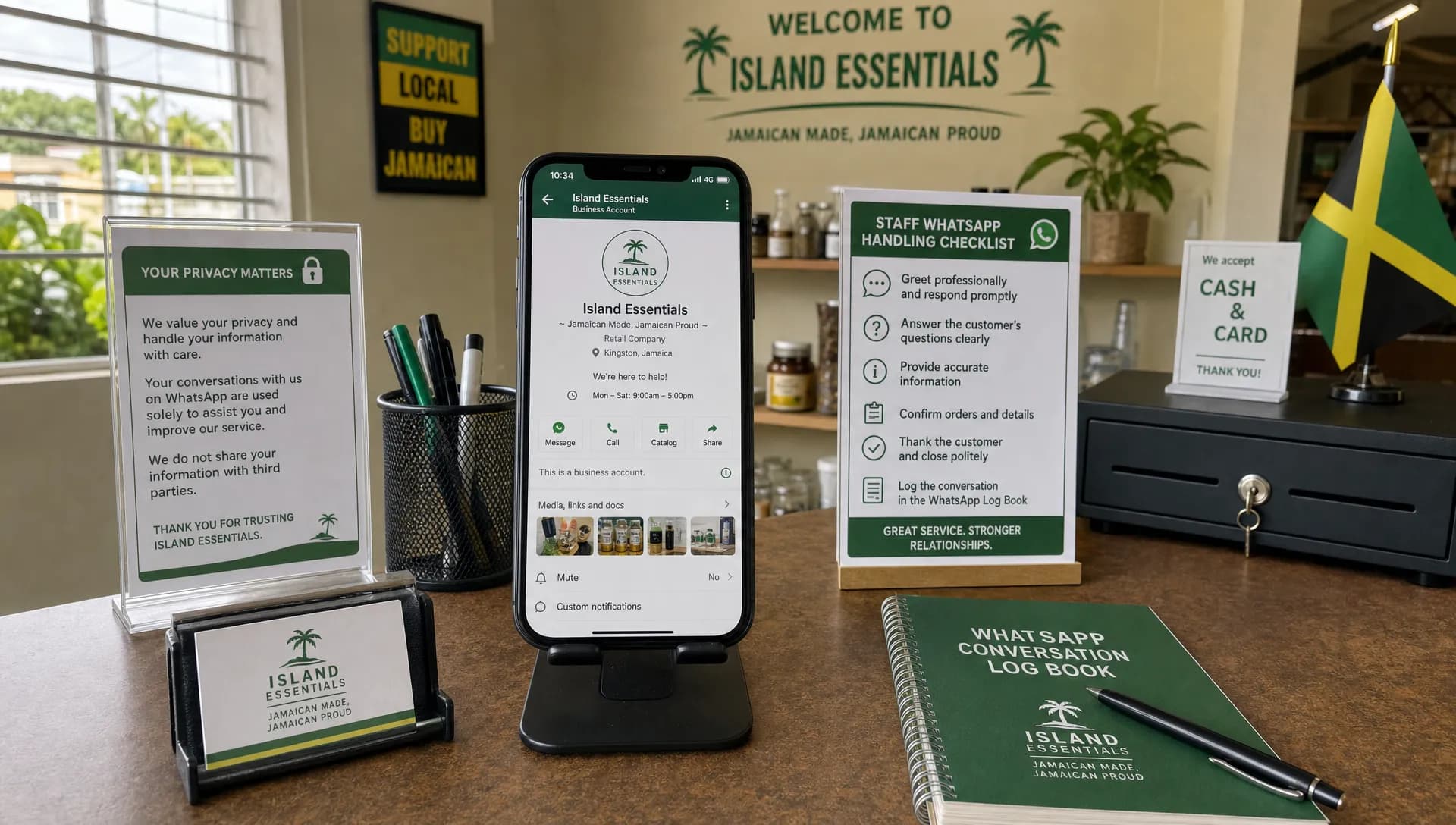
WhatsApp Business is now part of everyday customer service for many Jamaican organisations. It is fast, familiar, and convenient for confirming appointments, sharing order updates, answering queries, and supporting customers who may not want to call or email.
The privacy risk is that the same convenience can turn WhatsApp into an unmanaged database of personal information. Customer names, phone numbers, delivery addresses, photographs, receipts, complaints, voice notes, medical details, TRNs, and other identifiers can easily sit on staff phones long after the business purpose has passed.
Under Jamaica’s Data Protection Act, 2020, organisations are expected to handle personal data fairly, lawfully, securely, and for clear purposes. WhatsApp Business can be used responsibly, but only if it is governed like any other business system that collects and stores personal data.
Why WhatsApp Business creates privacy risk
Many organisations treat WhatsApp as “just messaging.” In reality, if your team uses it to communicate with customers, suppliers, employees, patients, tenants, students, or members, it becomes part of your data processing environment.
The first risk is over-collection. Staff may ask customers to send full identification documents, bank details, proof of address, medical notes, or photographs when a less sensitive option would do. Once that information enters a chat, it may be saved to the phone, copied to gallery storage, backed up to a cloud service, forwarded internally, or exported outside the business.
The second risk is lack of control. If staff use personal devices, the organisation may not know who has access to the messages, whether the device is locked, whether former employees still have conversations, or whether data is being backed up to personal accounts.
The third risk is informality. WhatsApp conversations feel casual, so employees may skip identity checks, share too much, reply in the wrong chat, or discuss sensitive matters in groups. Even when WhatsApp uses end-to-end encryption for personal messaging, encryption does not remove your organisation’s legal responsibilities. Privacy is not only about whether a message is protected in transit. It is also about purpose, access, retention, transparency, accountability, and safe handling. For a deeper distinction, see PLMC’s guide to data security vs privacy in daily business operations.
Start with a WhatsApp Business data map
Before changing settings or writing policies, map how your organisation actually uses WhatsApp Business. This should be practical, not theoretical. Speak with the people who handle messages every day, such as sales, reception, delivery, customer service, collections, HR, and field teams.
Your data map should answer a few key questions: who is messaging the organisation, what information is being collected, why it is being collected, who can access it, where it is stored, how long it is kept, and whether it is shared with anyone else.
For example, a retailer may use WhatsApp to confirm delivery addresses. A clinic may receive appointment requests. A school may communicate with parents. A professional services firm may receive client documents. Each use case has a different risk level, so each should have a clear purpose and handling rule.
The data map should also identify whether any sensitive or higher-risk information is being exchanged. This may include health details, financial information, identification documents, children’s information, employment records, or information about vulnerable persons. These categories require stricter controls and, in some cases, WhatsApp may not be the right channel at all.
Create clear rules for what WhatsApp can and cannot be used for
A good WhatsApp Business policy does not need to be long, but it must be specific. Staff should not have to guess whether they can request a customer’s ID, send a screenshot, forward a complaint, or keep a chat after a transaction is complete.
At a minimum, define:
Approved uses: Examples may include appointment reminders, order updates, general customer queries, and follow-up messages where the customer has chosen the channel.
Prohibited uses: This may include collecting full card details, requesting unnecessary ID documents, sharing internal HR matters, sending confidential documents to group chats, or discussing sensitive cases without proper verification.
Escalation points: Staff should know when to move a conversation to a secure email address, portal, phone call, or in-person process.
Retention rules: Chats should not remain indefinitely on devices simply because no one has deleted them.
Ownership: One person or team should be accountable for WhatsApp Business governance, not just the staff member holding the phone.
This type of policy helps convert privacy from a legal concept into everyday behaviour. It also supports accountability if a customer later asks how their information was collected or why it was retained.
Common WhatsApp Business privacy risks and controls
The table below summarises practical risks and controls that Jamaican organisations can use as a starting point. It should be adapted to your sector, risk profile, and internal procedures.
Privacy risk | How it can happen | Practical control |
Customers are not told how their data will be used | A customer messages the business and staff begin collecting personal details without any privacy notice | Use a short privacy message at the start of the conversation and link to the full privacy notice where appropriate |
Too much personal data is collected | Staff request full ID, TRN, bank details, or photos when only limited verification is needed | Apply data minimisation rules and provide scripts for common situations |
Staff use personal phones without safeguards | Business chats mix with personal contacts, personal backups, and family access to the device | Use dedicated business devices or apply approved mobile device controls where personal devices are allowed |
Messages go to the wrong recipient | Similar names, hurried replies, or group chats cause accidental disclosure | Require verification before sending personal information and discourage sensitive discussions in groups |
Former employees retain access | A staff member leaves but still has chat history, media, or account access | Include WhatsApp access removal in offboarding procedures and transfer business records securely |
Chat backups create hidden copies | Messages or media are backed up to personal cloud accounts | Approve backup settings centrally and prevent personal backup of business data where possible |
Media is automatically saved | Photos, IDs, receipts, and documents save to the device gallery | Disable automatic media saving where possible and instruct staff to delete unnecessary files |
Records cannot be retrieved | Important customer instructions remain only on a phone | Define when chats must be recorded in the official customer, case, or transaction system |
Configure WhatsApp Business with privacy in mind
Settings matter, but they only work when paired with governance. Start by separating business and personal use. A dedicated business number and device usually provide better control than allowing multiple employees to use personal accounts for customer communication.
Enable two-step verification, device screen locks, and strong access controls. Keep the operating system and app updated. Review who can access the device, who knows the PIN, and whether the account is linked to any desktop or web sessions. WhatsApp’s own guidance on two-step verification is a useful starting point for basic account protection.
Review app permissions carefully. If the app does not need access to all contacts, photos, location, or files, restrict permissions. Consider whether media should automatically save to the device. If staff receive photographs of documents, receipts, or IDs, automatic downloads can create copies outside the chat history.
Also look at notification previews. A locked phone sitting at a front desk should not display sensitive customer messages on the screen. Small controls like hiding message previews can reduce accidental exposure in busy offices.
If your organisation uses the WhatsApp Business Platform through a vendor, assess the vendor relationship carefully. Understand who processes the data, where it may be hosted, what security measures apply, how records are retained, and how customer rights requests will be handled. The official WhatsApp Business Terms and related documentation should be reviewed as part of procurement and compliance checks.
Build privacy into the customer conversation
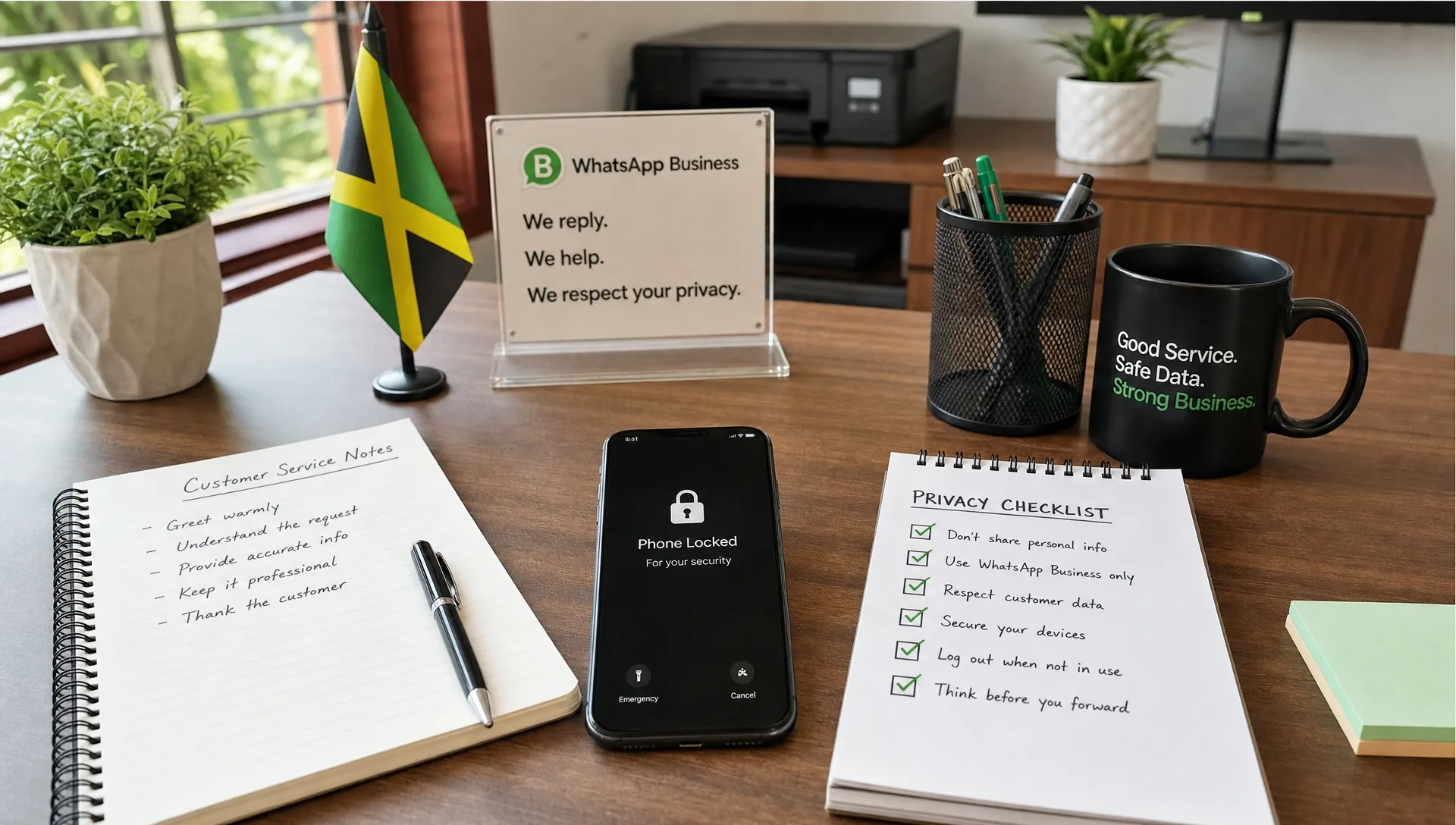
Privacy controls should appear inside the workflow, not only in a policy document. When a customer first messages your business, provide a simple notice explaining who they are contacting, what the channel should be used for, and where they can find more information about privacy practices.
A practical opening message may say something like: “Thank you for contacting us on WhatsApp. Please do not send full bank card details, passwords, or unnecessary identification documents through this chat. We will use the information you provide to respond to your request. For sensitive matters, we may direct you to a more secure channel.”
That type of message will not solve every compliance issue, but it sets expectations early. It also reminds customers and staff that WhatsApp is not always appropriate for highly sensitive exchanges.
Identity verification is another important workflow control. Before discussing account-specific, medical, financial, employment, or confidential information, staff should confirm that they are speaking with the right person. The verification method should be proportionate. Asking for excessive personal data to verify someone can create a new privacy risk.
Staff should also be trained to avoid forwarding screenshots casually. Screenshots often include more personal data than intended, such as phone numbers, profile pictures, message history, or unrelated customer details. If information must be escalated internally, use the minimum necessary details and an approved channel.
For organisations building staff rules, PLMC’s article on personal information privacy handling rules for staff offers a useful foundation for turning privacy principles into workplace habits.
Manage retention, records, and deletion
One of the biggest WhatsApp Business risks is indefinite retention. Chats can stay on devices for years, including documents, photographs, and voice notes that no longer serve a business purpose. This conflicts with the principle that personal data should not be kept longer than necessary.
Create a retention rule for WhatsApp conversations. Some messages may be purely temporary, such as a delivery confirmation. Others may form part of an official business record, such as customer instructions, complaint handling, consent evidence, or appointment changes. Those records should be moved into the organisation’s approved system, then deleted from WhatsApp when no longer needed there.
Do not rely on individual staff members to decide what to keep. Provide clear examples. For instance, a customer complaint may need to be logged in the complaint management system. A photograph sent for verification may need to be reviewed and then deleted if it is not required for the official record. A casual enquiry that does not lead to a transaction may have a much shorter retention period.
Your retention approach should also cover backups, exported chats, downloaded media, and linked devices. Deleting a message from the phone may not remove every copy if the file has been saved elsewhere.
Prepare for data subject requests and incidents
If a customer exercises rights under the Data Protection Act, your WhatsApp records may be relevant. A request for access, correction, deletion, or information about processing should not be ignored simply because it arrived in a chat.
Train staff to recognise privacy rights requests and escalate them promptly. A message such as “What information do you have on me?” or “Delete my details from your system” may need formal handling. Your organisation should confirm the person’s identity, log the request, and respond through the approved process.
You should also treat WhatsApp mistakes as potential privacy incidents. Common examples include sending a customer’s receipt to the wrong person, posting personal information in the wrong group, losing a business phone, or discovering that an ex-employee still has customer chats. Not every incident will have the same severity, but each should be recorded, assessed, contained, and reviewed.
A basic incident response process should explain who must be notified internally, how to secure the account or device, how to assess the harm, and how to prevent recurrence. This is especially important where WhatsApp is used for regulated, sensitive, or high-volume communications.
Train staff for real-world WhatsApp scenarios
Training should be practical. Employees do not need abstract lectures only. They need to know what to do when a customer sends a passport photo, asks for confidential information, sends a payment receipt, complains about another person, or uses WhatsApp to make a deletion request.
Scenario-based training works well because it mirrors daily behaviour. Ask staff what they would do in common situations, then correct unsafe assumptions. Reinforce short rules, such as “verify before sharing,” “collect the minimum,” “do not use groups for sensitive cases,” and “escalate privacy requests.”
Managers should also model the right behaviour. If supervisors ask staff to send screenshots of customer conversations in informal groups, staff will assume that practice is acceptable. Privacy culture must be visible in how leaders communicate, not only in written policies.
For growing organisations, WhatsApp Business should be included in broader data protection risk management. PLMC’s guide to risk management and data protection tips for growing SMEs explains how SMEs can build scalable controls as their operations expand.
Review WhatsApp Business risk regularly
Privacy risk changes as your organisation grows. A WhatsApp process that worked for one customer service officer may become risky when five departments, multiple locations, or third-party vendors begin using the same channel.
Schedule periodic reviews. Look at who has access, whether staff are following the approved scripts, whether sensitive information is being collected, whether retention rules are being applied, and whether incidents or complaints have occurred. If WhatsApp is becoming the default channel for high-risk processing, consider whether a more secure and auditable system is needed.
A good review should produce clear actions, not just observations. For example, you may decide to disable automatic media downloads, update the privacy notice, move complaint handling to a formal ticketing system, retrain staff, or restrict WhatsApp use to low-risk communications.
Frequently Asked Questions
Is WhatsApp Business compliant with Jamaica’s Data Protection Act? WhatsApp Business is only a tool. Compliance depends on how your organisation uses it, what personal data is collected, whether customers are properly informed, how access is controlled, how long records are kept, and whether appropriate security and governance measures are in place.
Can employees use personal phones for WhatsApp Business? It is possible, but it increases risk. If personal devices are allowed, the organisation should define security requirements, access rules, backup restrictions, offboarding procedures, and acceptable use standards. Dedicated business devices are often easier to control.
Do we need consent before messaging customers on WhatsApp? Consent may be relevant, especially for marketing, but privacy compliance is broader than consent. Organisations should have a lawful and fair basis for processing, provide clear information, collect only what is necessary, and respect customer preferences and rights.
Should customers send ID documents through WhatsApp? Only if it is truly necessary and proportionate. In many cases, a less sensitive verification method can be used. If ID documents must be collected, staff should follow approved procedures for secure handling, retention, and deletion.
How long should WhatsApp Business chats be kept? There is no single retention period for every organisation or message type. The retention period should be based on the purpose of the conversation, legal or operational requirements, and the sensitivity of the data. Chats should not be kept indefinitely by default.
What should we do if personal information is sent to the wrong WhatsApp chat? Treat it as a privacy incident. Capture the facts, contain the disclosure where possible, notify the appropriate internal person, assess potential harm, document the decision, and take corrective action to prevent it from happening again.
Make WhatsApp Business convenient and compliant
WhatsApp Business can be a valuable communication channel, especially for organisations that want to meet customers where they already are. The key is to manage it deliberately. Map the data, limit what is collected, secure devices, train staff, control retention, and review the risks regularly.
Privacy & Legal Management Consultants Ltd. supports Jamaican organisations with data protection implementation, privacy awareness, risk assessment, compliance training, and governance support. If your organisation uses WhatsApp Business and wants to reduce privacy risk under the Data Protection Act, you can contact Privacy & Legal Management Consultants Ltd. for guidance tailored to your operations.