

Are Passkeys Right for Your Organisation?
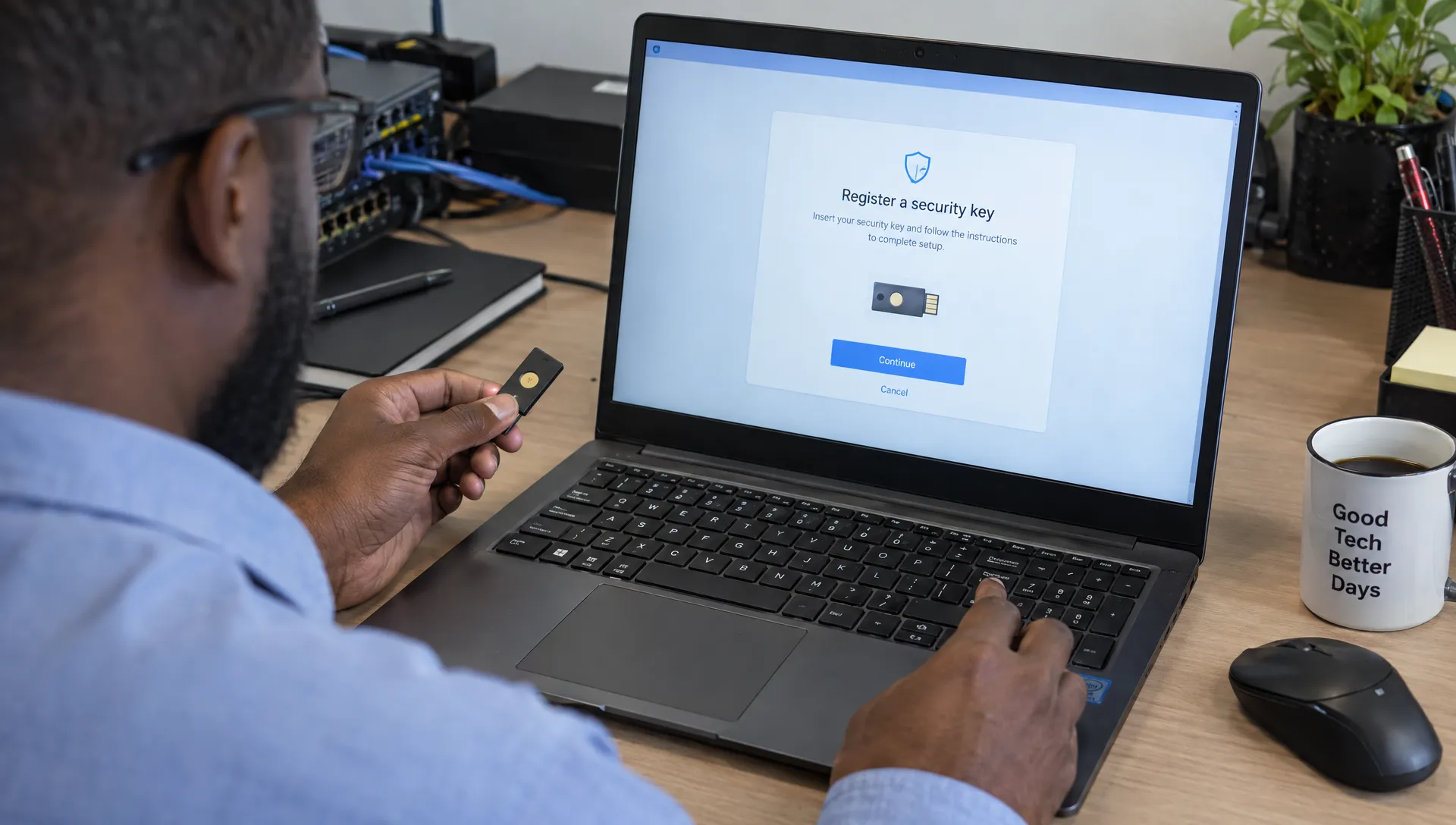
Passkeys are worth considering if your organisation wants to reduce password phishing and simplify sign-in. They are especially useful for protecting business email, cloud applications and accounts that handle personal data. However, the right decision depends on more than whether your software supports them. Device ownership, account recovery and staff access needs can determine whether a rollout improves security or creates new problems.
For Jamaican organisations, the practical question is whether passkeys strengthen your existing security controls without introducing unnecessary privacy risks or operational barriers. This guide explains how to make that assessment.
How passkeys work and what they protect
A passkey uses a pair of cryptographic keys instead of a password. The service holds the public key, while an authenticator, such as a phone, computer or compatible security key, protects the private key. Signing in proves possession of the private key without sending it to the service.
The user typically authorises sign-in with a fingerprint, facial recognition or a device PIN. The biometric or PIN unlocks the authenticator locally; it is not a password submitted to the website.
The FIDO Alliance’s explanation of passkeys describes their use of FIDO authentication standards. A central benefit is phishing resistance: the authentication process is bound to the legitimate service, so a lookalike website cannot simply capture a reusable credential.
That protection has limits. Passkeys do not stop malware on an unlocked device, theft of an active session or an attacker persuading a helpdesk to reset an account. They strengthen authentication, not every part of your security programme.
Choose the right type for your workforce
“Passkey” does not describe a single deployment model. The distinction between synced and device-bound credentials matters when deciding who controls access and how people recover it.
Approach | How it works | Main organisational consideration |
Synced passkeys | Credentials are made available across supported devices through a passkey provider | Assess provider-account security, recovery and whether organisational controls apply |
Device-bound passkeys | The credential stays on the authenticator where it was created | Plan for loss, damage and replacement because the credential does not sync elsewhere |
Compatible hardware security keys | A separate physical authenticator holds the credential | Budget for issuance, spare keys, compatibility checks and secure replacement |
A security key can hold a device-bound passkey, so these categories overlap. Likewise, a passkey stored on a laptop is not automatically device-bound; that depends on the platform and configuration.
For ordinary workforce accounts, a managed synced option may provide a workable balance between usability and control. Privileged accounts may justify device-bound credentials or hardware keys, particularly where your risk assessment requires tighter control over credential movement.
Avoid treating employees’ personal cloud accounts as an automatic recovery solution. Establish which providers and storage arrangements your organisation permits before enrolment begins.
What passkeys mean for Jamaican data protection compliance
Jamaica’s Data Protection Act, 2020 requires organisations to address the security of personal data. Passkeys can support that work by reducing certain routes to unauthorised access, but deploying them does not, by itself, establish compliance. The Act does not prescribe passkeys as a universal requirement.
Your assessment should consider the personal data involved in operating the authentication system. Account identifiers, credential registration records, device information and sign-in logs may relate to identifiable employees or customers. Document why you need those records, who can access them and how long they are retained.
Where an authentication provider processes information overseas, assess the actual data flows, contractual arrangements and applicable international transfer requirements. Do not assume either that every passkey deployment transfers biometric data abroad or that authentication services involve no personal data.
Does using a fingerprint mean collecting biometric data?
In a standard passkey sign-in, the website receives a cryptographic response, not the fingerprint image or facial template used to unlock the device. Users may also be able to verify themselves with a device PIN.
That is different from installing a separate workplace fingerprint or facial recognition system. Our guidance on biometric data risks for employers explains why those arrangements need their own assessment.
Explain the distinction clearly to staff, while checking how your chosen implementation actually works. For regulatory information, consult Jamaica’s Office of the Information Commissioner rather than relying solely on a vendor’s compliance claims.
Is your organisation ready for passkeys?
A pilot is a sensible next step when access is centrally managed
You are well placed to test passkeys if your main applications use a central identity provider, most staff have supported devices and someone owns account recovery. Federation can allow applications to benefit from stronger authentication at the identity provider without each application implementing passkeys directly.
Start with an application where account compromise would matter and support is confirmed. Business email is often a useful candidate because a compromised mailbox can expose personal data and enable resets elsewhere.
Prepare first when devices and recovery are unclear
Pause a broad rollout if staff share unmanaged computers, routinely use borrowed phones or depend on applications with uncertain compatibility. Shared devices need particular care so one worker’s credential does not become available to another.
You also need an alternative for people who cannot or do not wish to use a personal phone. An employer-issued device or compatible security key may be suitable, subject to testing.
If your helpdesk cannot reliably establish who is requesting an account reset, fix that process before making stronger sign-in widely available. Otherwise, attackers may simply move from password phishing to recovery fraud.
Build a controlled rollout, not just a new sign-in option
Define the scope and test real working conditions
Choose a limited pilot with a named business owner, an IT lead and input from your privacy or compliance function. Include people who represent actual working conditions, such as remote staff, shift workers and users who need accessibility support.
Test the complete access path: browser support, mobile applications, remote access, shared workstations and any older systems. Confirm what happens when a device is offline or a user needs to sign in from another location. A successful demonstration on one administrator’s laptop is not enough.
Record which accounts and applications are covered, which remain dependent on passwords and which exceptions require additional controls.
Protect registration and require appropriate user verification
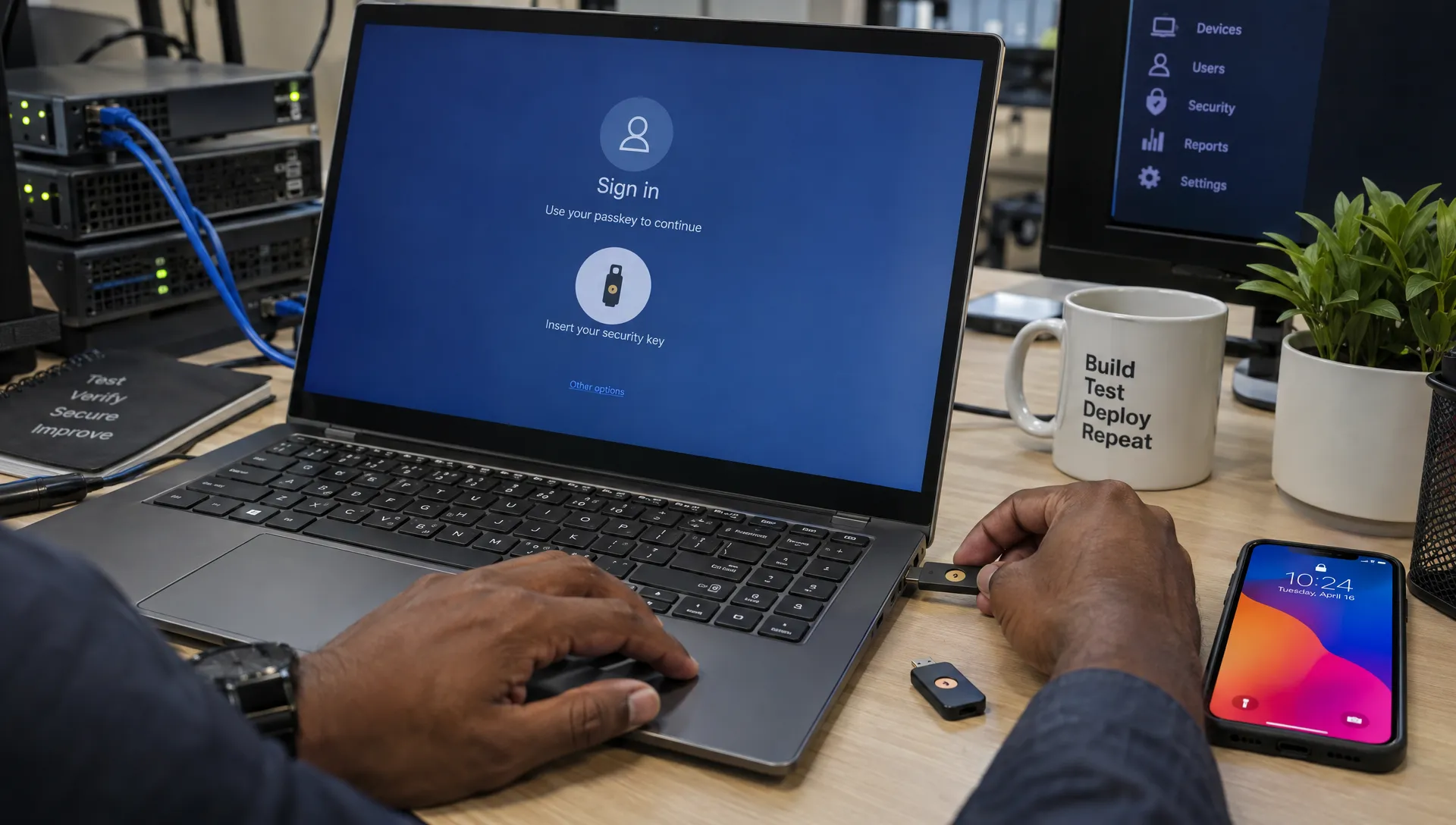
An attacker with access to an existing account may try to register their own authenticator. Require suitable reauthentication before adding a passkey, notify users when credentials are added and provide a clear route for reporting unexpected changes.
Configure the service to require user verification where your assurance needs call for it. A passkey protected by a local PIN or biometric can combine possession with knowledge or inherence, but do not assume every implementation automatically satisfies every multi-factor authentication requirement. Check the authenticator, configuration and any contractual or sector-specific obligations.
Apply stronger controls to administrator enrolment and changes to recovery settings.
Design recovery before removing passwords
A lost phone should not leave a legitimate employee permanently locked out. Equally, a persuasive caller should not be able to bypass your strongest control through a quick reset.
Your recovery design should address these practical questions:
Can users enrol a second approved authenticator, and is it independent of the same failure point?
How will the helpdesk verify identity without relying only on an email or message from the affected account?
Who approves recovery for privileged accounts, and what evidence is recorded?
How are lost devices, affected credentials and existing sessions handled?
How will essential access continue during an identity-provider or passkey-provider outage?
A second passkey synced through the same provider account may not provide independent recovery. For higher-risk roles, a separately controlled backup authenticator may be more appropriate.
Close weak fallback routes and manage departures
Keeping passwords, SMS codes or easily answered security questions as unrestricted alternatives may preserve routes that attackers can exploit. Review each fallback against the risk of the account rather than assuming the presence of a passkey makes every sign-in safe.
Where legacy systems still require passwords, document the exception and apply suitable compensating controls. Do not disable alternatives until recovery and business continuity arrangements have been tested.
Offboarding must disable the organisational account, address active sessions and remove access to connected services. Recover issued security keys and maintain an inventory. If credentials were allowed on personal devices, do not depend on the departing employee voluntarily deleting them as your primary access control.
Measure security and usability together
Track enrolment completion, successful sign-ins, recovery requests, helpdesk workload and the number of accounts still using weaker alternatives. Compare results with a pre-pilot baseline rather than relying on impressions.
Review failed sign-ins and user feedback for accessibility problems or workarounds. For example, a lower password-reset count is not a complete success if employees now share an unlocked workstation to avoid authentication difficulties.
Expansion should depend on evidence that the arrangement works securely in normal operations. This is part of aligning people, processes and technology for data protection, not simply enabling a software setting.
Frequently asked questions
Are passkeys safer than passwords? They provide stronger protection against password phishing, credential reuse and attacks based on stolen password databases. Their overall effectiveness still depends on device security, registration controls, recovery and the alternatives an attacker can use.
Can staff use passkeys without sharing their fingerprints with the employer? Yes. In a standard implementation, fingerprint or facial verification happens locally on the device. The service receives a cryptographic response rather than the biometric template. Check the selected system and explain its operation to staff.
Do passkeys eliminate the need for security training? No. Staff still need to recognise fraudulent recovery requests, protect unlocked devices and report unexpected credential registrations. Training should focus on the changed risks rather than repeating password advice that no longer applies.
Should we remove all passwords immediately? No. First verify application coverage, enrolment, recovery, accessibility and emergency access. Remove or restrict password fallback in a controlled way once the organisation can support users without recreating an easy route for account takeover.
Are passkeys required under Jamaica’s Data Protection Act, 2020? The Act does not impose a blanket passkey requirement. Select and document security measures that are appropriate to your processing risks, then assess whether they remain effective.
Make the decision through your wider risk programme
Passkeys are a strong option when phishing risk is significant and your organisation can support secure enrolment, recovery and device management. Where those foundations are weak, a focused pilot should expose the gaps before a wider commitment.
For help assessing how authentication fits your data protection obligations, contact Privacy & Legal Management Consultants Ltd. about a free consultation. PLMC provides data protection implementation, cyber security and GRC support for organisations in Jamaica.