

How to Test Backup Recovery Before a Real Emergency
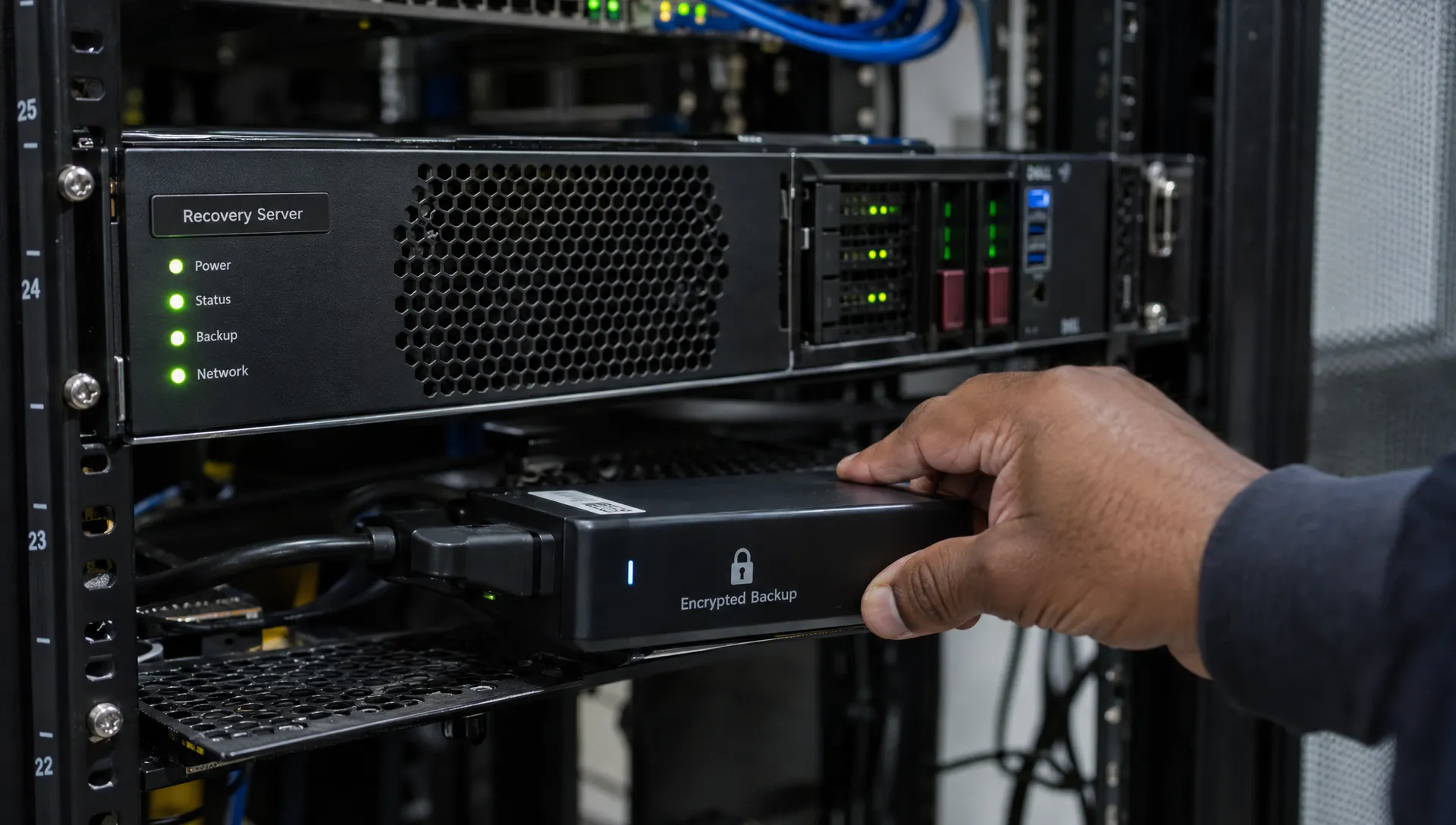
A completed backup job does not prove that your organisation can recover from a ransomware attack, hurricane-related outage or failed server. Knowing how to test backup recovery means proving that you can restore usable data, restart essential services and protect personal information throughout the process. The most useful test ends with a business user confirming that the recovered service works, not simply an IT technician confirming that files have copied successfully.
For Jamaican organisations, this is both an operational resilience issue and a data protection concern. A rushed recovery can expose customer records, restore outdated permissions or return deleted information to active systems.
What a successful recovery test should prove
A backup recovery test is a controlled exercise that restores data or systems and checks whether they support the activities your organisation needs to resume. It should answer four questions:
Can we recover? The backup is accessible, readable and usable with the tools and credentials available during an incident.
Can we recover quickly enough? The service returns within the timeframe approved by the business.
How much information would we lose? The recovered data is recent enough for the organisation’s needs.
Can we recover securely? Access controls, security settings and safeguards for personal data remain effective.
A tabletop discussion can expose gaps in responsibilities, but it cannot prove that a backup will restore. You need a technical restoration followed by functional checks.
Recovery testing also complements business continuity planning that protects personal data. The continuity plan identifies what must continue; the test checks whether the recovery arrangements can actually support it.
Agree recovery targets before starting
Two measures make the results meaningful: recovery time objective and recovery point objective.
Recovery time objective (RTO) is the target maximum time for restoring a service after a disruption. Agree when the clock starts and what counts as restoration. For a realistic business test, measure from the simulated service disruption until an authorised user confirms that essential operations can resume, not merely until the backup software finishes.
Recovery point objective (RPO) describes the maximum acceptable data loss expressed as time. If the RPO is one hour, a recovery that loses three hours of transactions does not meet the requirement, even if the system restarts quickly.
Business owners should approve these targets. IT can explain the technical options, but payroll, finance or operations must decide how much downtime and missing information they can tolerate.
Choose one important service for the first test, such as payroll or customer case management. Record its owner, dependencies, recovery targets and acceptance criteria. Avoid an initial exercise so broad that nobody can tell which component failed.
How to test backup recovery in six steps
1. Authorise the exercise and define its boundaries
Create a short test plan naming the test lead, technical operators, business validator and person authorised to stop the exercise. Define the service, backup set, test environment and permitted changes.
Record assumptions explicitly. If production systems, the normal administrator account or the main office network will remain available, the test will not prove recovery without them.
Set stop conditions before beginning. These might include unexpected contact with production systems, exposure of personal data or signs that the selected backup contains malicious software. Notify relevant staff and suppliers so that an exercise is not mistaken for a live incident.
NIST’s contingency planning guide provides a useful framework for connecting recovery procedures with testing, training and ongoing maintenance.
2. Prepare an isolated recovery environment
Restore into a separate environment wherever practical. Prevent it from sending live customer emails, processing payments, triggering scheduled integrations or overwriting production records. Check network routes and outbound connections rather than assuming that a different server name provides isolation.
Apply restricted access, encryption and activity logging. If a supplier hosts the test environment, check the applicable contract, location and access arrangements before transferring personal data.
Synthetic data is useful for rehearsing procedures, but it cannot prove that the actual backup is recoverable. Where real personal data is necessary to validate recovery, limit the restored scope where possible and protect the test copy accordingly.
Jamaica’s Data Protection Act, 2020 requires appropriate technical and organisational security measures. Recovery testing can provide evidence about those measures, but a successful restore does not establish compliance on its own.
3. Retrieve and restore the selected backup
Record the backup identifier, creation time, storage location and encryption requirements. Confirm that authorised staff can obtain the recovery instructions, encryption keys, credentials and software needed to use it.
Do not assume these resources will survive the same incident. A backup may be intact while its recovery instructions are trapped on an unavailable file server or its encryption key is inaccessible through a failed identity service.
Restore using the documented procedure and record any deviations. If an engineer needs undocumented knowledge, capture it as a finding rather than quietly treating the exercise as successful.
For a cyber incident scenario, use an appropriately assessed recovery point. Restoring the newest available backup is not necessarily safe if it includes the compromise. Scan recovered systems and investigate suspicious findings before reconnecting them; a clean scan alone is not a guarantee that a system is uncompromised.
4. Recover dependencies and security controls
An application may need more than its main database. Recovery can depend on identity services, certificates, configuration files, network settings, software licences and integrations.
Restore these components in the required order. Confirm that the recovered application can reach its approved dependencies without reconnecting the isolated test environment to production unintentionally.
Check security as part of functionality. Verify that ordinary users cannot access administrator functions, restricted records remain restricted and audit logging works. Older backups can reintroduce permissions or configurations that have since been corrected.
If the recovery relies on a supplier, test the agreed hand-off where feasible. A provider’s statement that backups exist is not equivalent to evidence that your organisation can obtain and use the restored service.
5. Validate records and complete a business workflow
Ask the business owner to test representative activities. Opening the application or viewing its homepage is not enough. Depending on the service, the user might retrieve a customer case, reconcile a balance or generate a payroll preview without releasing payments.
Validate data at several levels. Check database integrity, compare relevant record counts and inspect selected recent transactions. Include attachments and linked documents where they form part of the business record. File checksums can help verify file integrity, but they do not show whether a business transaction is complete or meaningful.
Identify the latest recoverable transaction or record and compare it with the simulated disruption time. Do not infer the achieved RPO solely from the backup schedule.
Record defects separately, including missing documents, broken integrations, incorrect access rights and inconsistent totals. Business acceptance should depend on the agreed criteria, not on whether the technical team considers the restore complete.
6. Measure the full result against the targets
Record timestamps for the disruption, recovery start, technical restoration and business acceptance. Include time spent finding credentials, contacting suppliers and resolving errors. These delays are part of the recovery capability you are testing.
Compare the achieved recovery time and data loss with the approved RTO and RPO. A test can meet one and fail the other.
Also record what was not tested. Restoring one database does not prove recovery of every application, and restoring through an available office network does not prove recovery after losing that network.
Worked example: a fast restore that still fails
Consider this illustrative test of a customer records service. The business has approved an RTO of two hours and an RPO of one hour.
Test measurement | Recorded result |
Simulated disruption | 12:00 p.m. |
Technical restoration complete | 12:50 p.m. |
Business checks complete and service accepted | 1:40 p.m. |
Latest recoverable transaction | 10:30 a.m. |
Achieved recovery time | 1 hour 40 minutes |
Data loss measured in time | 1 hour 30 minutes |
The service meets its recovery time target but fails its recovery point target. Calling this an overall pass would hide a material gap.
The corrective action might involve more frequent recoverable backups or transaction-log recovery, depending on the system. The organisation should then repeat the relevant test to confirm that the change works.
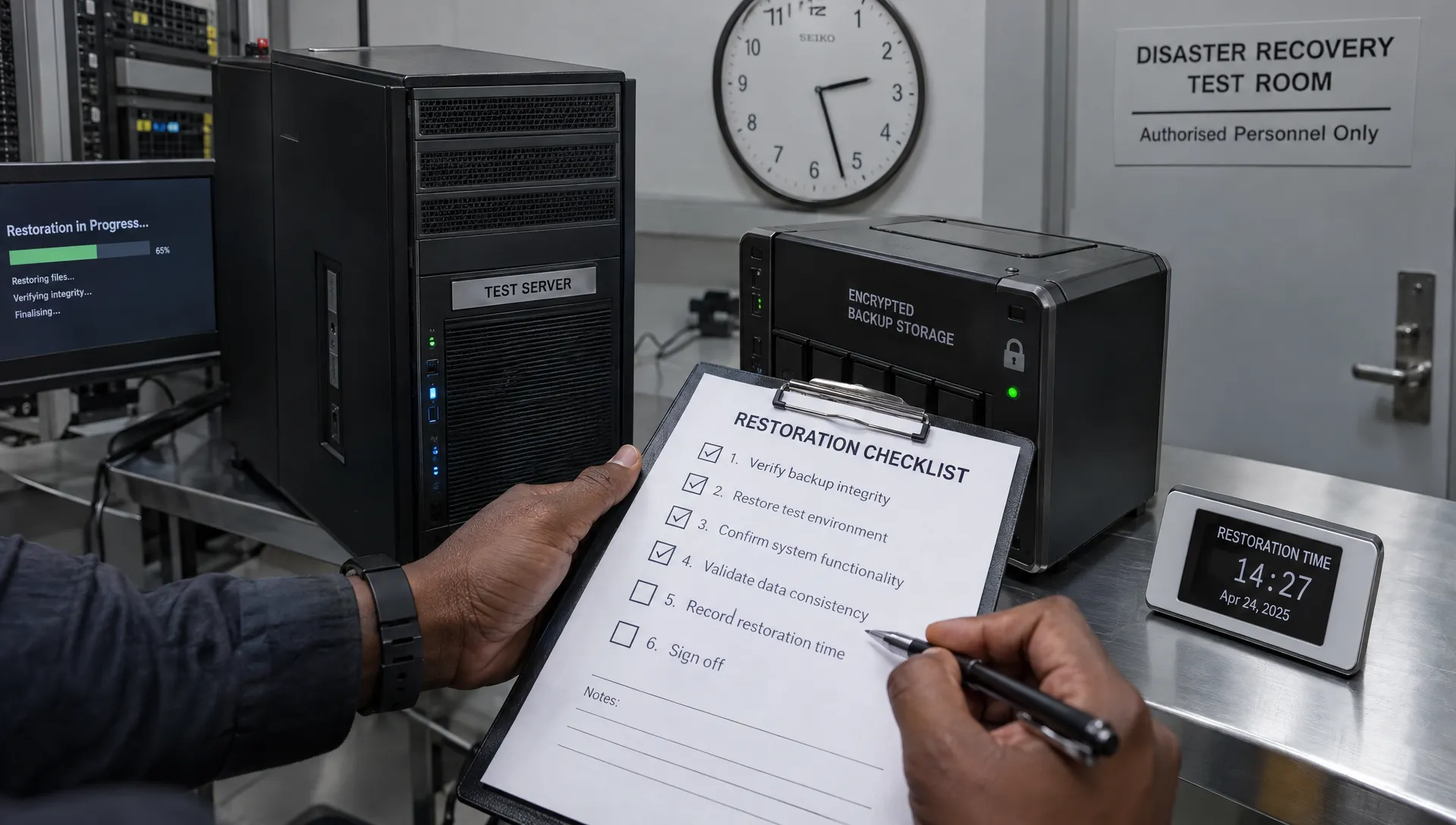
Test the failure conditions that matter to your organisation
A routine restore under ideal conditions is a useful start. Later exercises should challenge the assumptions most likely to fail during an emergency.
Scenario | What the exercise should establish |
Primary site unavailable | Recovery instructions, backups and authorised personnel remain accessible without the office or its local equipment. |
Main administrator account unavailable | Approved recovery access works without relying on one person or a compromised account. |
Recent backup unusable | Staff can identify an alternative recovery point and calculate the resulting data loss. |
Ransomware affects connected systems | A protected recovery copy remains available and can be restored into an appropriately isolated environment. |
Key supplier unavailable | The organisation understands its practical recovery options, contractual dependencies and limitations. |
Do not simulate ransomware by introducing live malware. Test the loss of access or assumed unavailability of affected systems through controlled restrictions instead.
CISA’s ransomware guidance recommends offline, encrypted backups and regular testing of their availability and integrity. Whether your organisation uses offline, immutable or otherwise protected copies, confirm that the protection works as configured. A product label is not evidence of recoverability.
Document findings, remove test copies and retest
Keep a concise evidence pack containing the approved scope, backup identifiers, timestamps, validation results and business sign-off. Capture relevant logs or screenshots without unnecessarily reproducing customer records, passwords or encryption keys.
For each failure, assign an owner, corrective action and due date. Update the recovery procedure where steps were missing or inaccurate. Close the finding only after suitable evidence confirms the correction, which may require another restore.
At the end of the exercise, remove temporary accounts, revoke temporary access and securely dispose of test copies according to the approved retention arrangements. Confirm that restored systems cannot continue sending messages or connecting to live services.
Recovery procedures should also address information deleted or restricted after the backup was created. Before returning restored data to operational use, apply the relevant deletion, retention and access changes, subject to applicable legal preservation requirements.
How often should you test?
Choose a schedule based on service criticality, the consequences of data loss and the pace of system change. There is no single testing interval that suits every organisation.
A practical programme can combine frequent sample restores with scheduled end-to-end exercises for critical services. Sample checks help detect unreadable backups, while broader exercises expose dependency and coordination problems.
Retest after material changes, such as a new application, backup platform, encryption arrangement, identity service or hosting provider. Repeat relevant tests after a failed exercise or incident as well.
Do not describe an internal testing schedule as a statutory requirement unless that requirement has been verified for your organisation. Record why the chosen frequency is appropriate and who approved it.
Frequently asked questions
Is a successful backup job enough evidence? No. It shows that the backup process reported completion, not that the data can be restored into a working, secure service. Restoration and business validation provide different evidence.
Can we test without disrupting normal operations? Usually, an isolated recovery environment allows testing without replacing production. However, the exercise still needs controls to prevent accidental emails, payments, integrations or changes to live data.
Should every recovery test restore everything? No. Sample restores are useful for routine assurance, but they should be complemented by end-to-end testing of critical services and their dependencies. Record the limits of each exercise.
What if a supplier manages our backups? Agree how recovery will be demonstrated, who authorises it, what evidence you receive and how business validation will occur. Confirm the service works for your organisation rather than relying solely on the supplier’s backup status report.
Connect recovery evidence to your data protection programme
A useful recovery test produces more than a pass or fail. It identifies which services can resume, what information may be lost and which safeguards need attention.
PLMC offers data protection implementation, cyber security services and training for Jamaican organisations. Arrange a free consultation with PLMC to discuss how recovery-test findings can inform your data protection and governance programme.